6 purpose-built calculators + full project ledger. Volume, mix ratio, cost, units — all in your pocket, all offline.
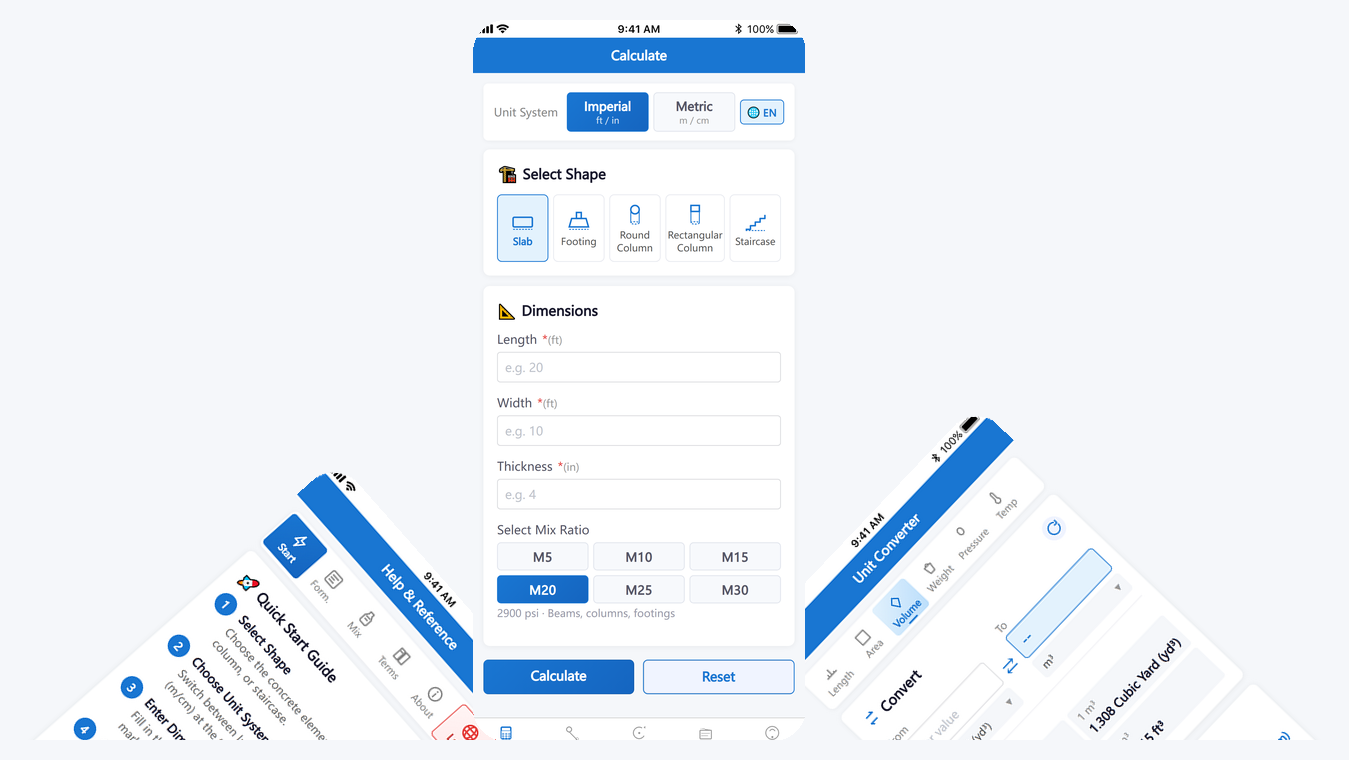
ConcreteCalc Tool Pro is a complete field toolkit for anyone who works with concrete. It combines six purpose-built calculators (slab, column, footing, staircase, mix ratio, unit converter) with a cost estimator and a project ledger — so you can plan, calculate, and record every pour from one app. All formulas follow ACI 318 / ASTM standards, all data is stored locally on your device, and the app works fully offline after first launch.
Slab · Round column · Rectangular column · Footing · Staircase. Auto material breakdown.
M5 / M10 / M15 / M20 / M25 / M30 with per-grade strength, cement bag count, and water ratio.
Material + labor + waste factor. Edit regional prices. Instant total.
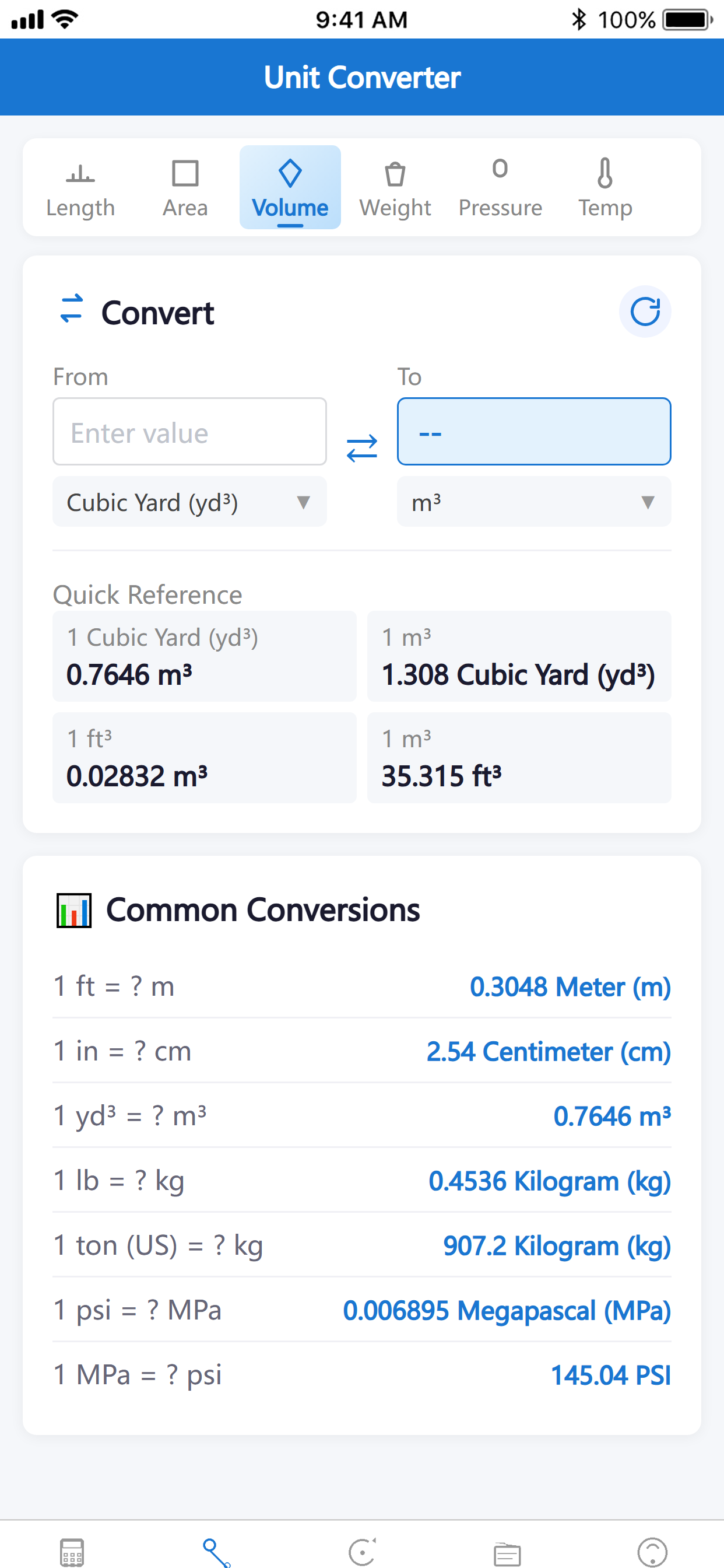
Length · Area · Volume · Weight · Pressure · Temperature. 40+ units with swap.
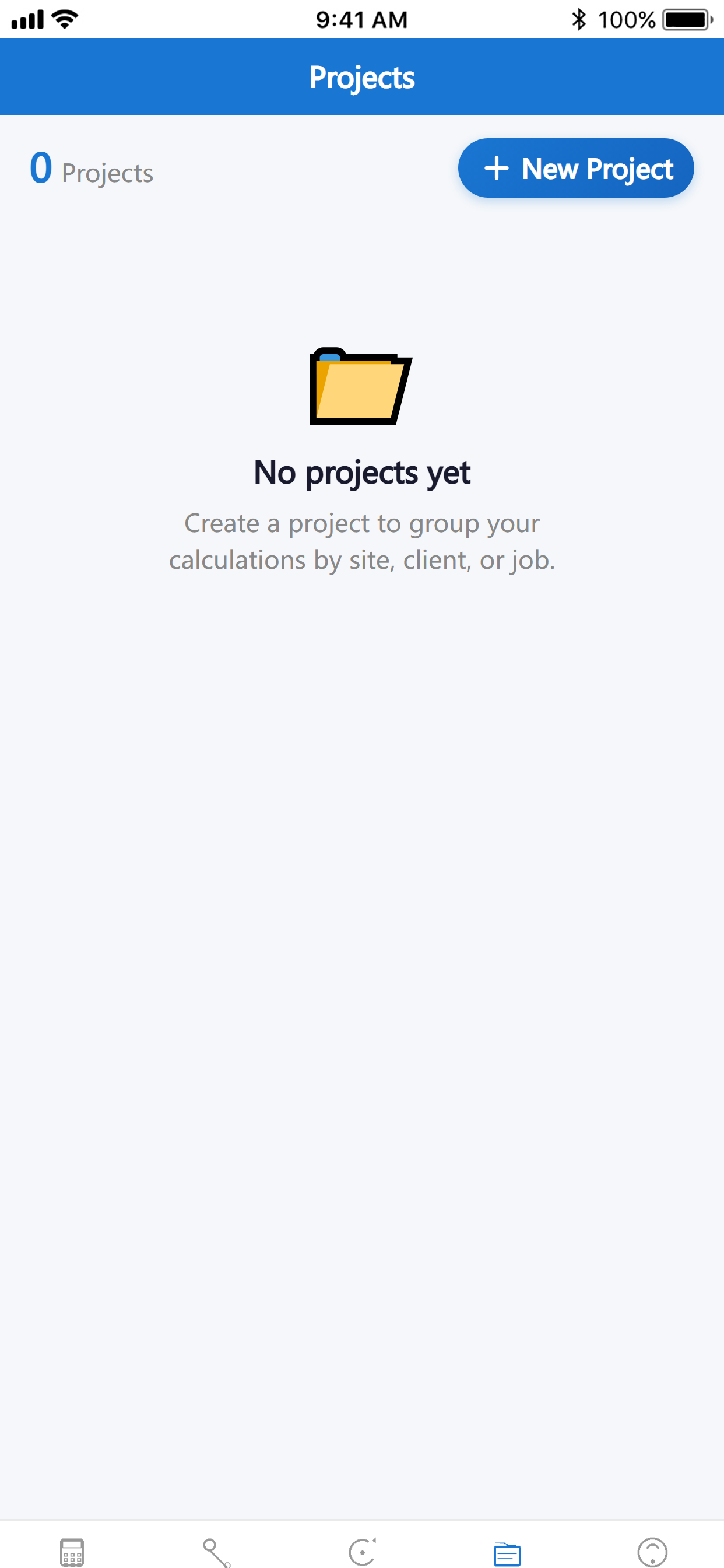
Save calculations to named projects. View history. Re-edit and re-save.
No internet required. No ads. No tracking. All your data stays on your device.
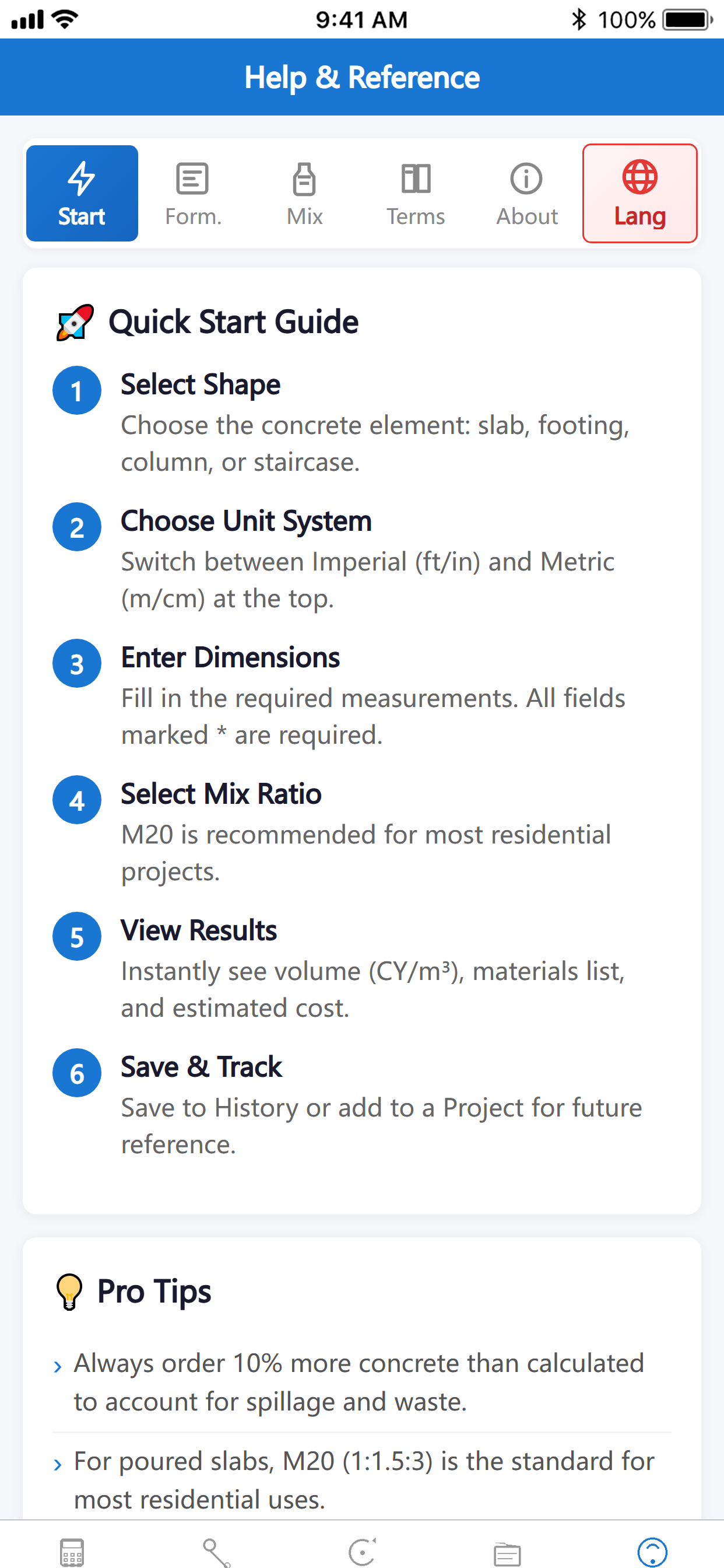
Real pours always lose material to spillage, over-excavation, and uneven sub-base. Use the "Waste Factor" slider in Cost Estimator to cover this.
For a circular column, enter the diameter (not radius) — the app converts internally. Always double-check the unit (cm vs in) before calculating.
History is for quick single pours. For multi-pour jobs (foundations, driveways), create a Project — you can see the running total and re-open each calculation later.
Toggling between imperial and metric only changes the display. Your numbers stay intact and recalculate in the new unit instantly.
Hit the share icon on any result — the app copies a clean text summary (dimensions, materials, mix ratio, cost) to your clipboard. Paste into Messages, Email, or Notes.
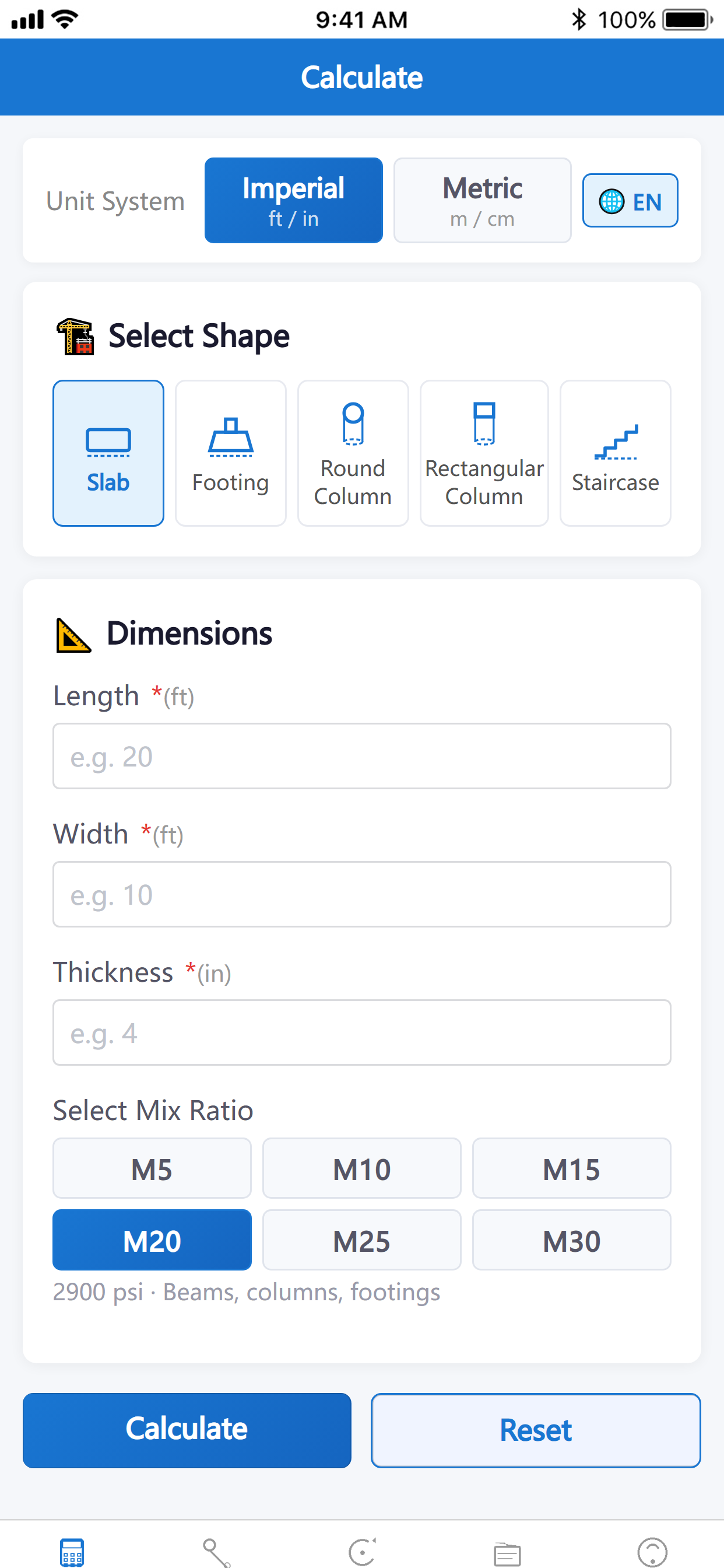
A 12 ft × 10 ft patio at 4 in thick using M20 mix. Enter dimensions, pick slab, choose M20. The app returns about 1.48 CY (1.13 m³) of wet concrete, requiring 4.2 × 94-lb bags of cement, 0.55 t of sand, 0.83 t of gravel, and about 170 L of water. Add 10% waste → ~1.63 CY to order.
A 12 in × 8 ft round column using M25. Pick the "Round column" calculator, enter diameter and height, choose M25. The app computes volume (≈ 0.42 m³ / 0.55 CY), cement bags (≈ 4 × 94 lb), sand (≈ 0.21 t), gravel (≈ 0.32 t), water (≈ 65 L). Switch to metric and the numbers instantly update to 30 cm × 2.44 m.
All mix ratios follow IS 456 (M5–M30 grades) and ACI 318 building code requirements. Volume calculations use the standard V = L × W × H (slab), V = π r² h (round column), and V = L × W × H × N (footing). Dry-volume expansion factor of 1.54 is applied per ACI to convert wet to dry concrete.
Length: mm, cm, m, km, in, ft, yd, mi · Area: m², ft², yd², acre, ha · Volume: L, m³, ft³, yd³ (CY), gal · Weight: g, kg, t, lb, oz · Pressure: Pa, kPa, MPa, psi, bar · Temperature: °C, °F, K. 40+ units with one-tap swap.
Works 100% offline after first launch. No account, no ads, no analytics, no third-party SDKs, no tracking. All your calculations and project data are stored locally on your device using standard iOS storage — never uploaded, never shared.
For any questions, issues, or feedback, please contact us via the email below. We typically reply within 48 hours.